Give every player a chance to choose their moment, then collect the details you need before the first pitch.
Updated September 2026
Hand this form to parents at the start of the season, email them the link, or fill it out together at practice. It keeps the song-picking fun while making the adult approval and clean-edit check explicit.
Before you send it: Check your league's music policy, give families a firm deadline, and ask for two backup songs. A perfect song isn't much help if it turns out to be unavailable or has no appropriate edit.
How to use this form
Set the rules first. Confirm whether your league permits walk-up music and when it must stop. Our game-day guide has the basics.
Collect one form per player. A parent or guardian should confirm the selected version is appropriate for a youth event.
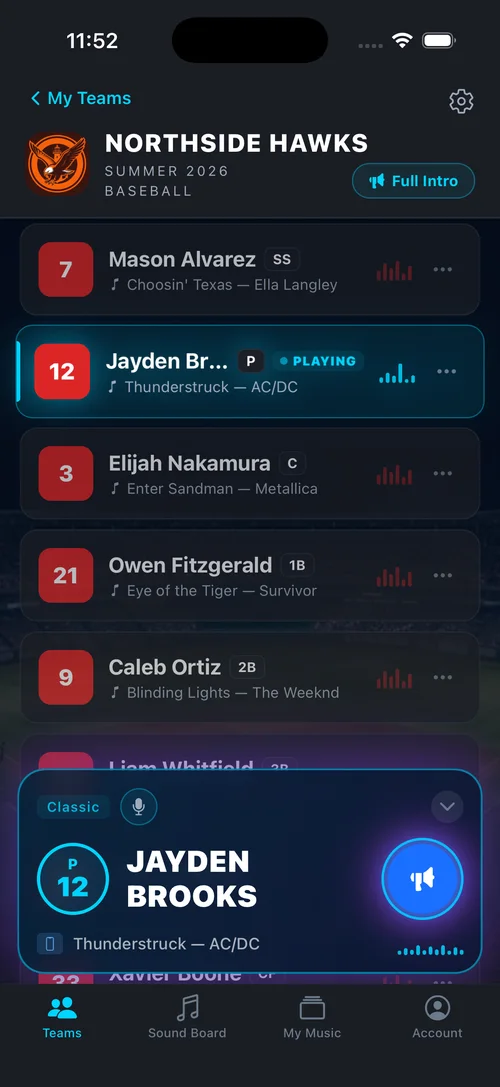
Build the lineup before game day. Use the player name, number, and song details to set clips in your music setup. WalkAmp keeps each player's song, timing, and announcer intro together.
Fill it out below and we turn it into a clean sheet you can print or save as a PDF. Or print a blank copy for each family. Nothing entered here leaves your browser.
Use your browser's print dialog to save it as a PDF. Blank lines are left for anything you skipped, so it can be finished by hand.
Youth Baseball and Softball
Walk-Up Song Request
One form per player. Please return by the team's stated deadline.
Team
Season / division
Return by
Player
Player name
Jersey number
First choice
Song title
Artist
Backup choices
Backup song and artist
Second backup
Parent or guardian approval
I have listened to the selected version and confirm it is appropriate for a youth sports event.
Parent or guardian name
Email or phone
Signature
Date
Team organizer note: play a 10 to 15 second clip, start at the hook, and stop music before live action begins.
Coach: once the picks are in, WalkAmp keeps every player's song, clip timing, and announcer intro in one game-day lineup.
Quick answers before you collect songs
Should parents or players choose?
Let players make the final pick from choices a parent or guardian has approved. That keeps the moment personal without putting a last-minute content decision on the volunteer holding the speaker.
What if the first choice doesn't work?
Use the first appropriate backup. Songs disappear from streaming catalogs, clean edits can be hard to find, and some intros just don't work in a 10-second clip. Two backups prevent a game-day scramble.
How long should the music play?
Ten to 15 seconds is the sweet spot for most youth games. Start at a recognizable hook, fade it out cleanly, and make sure the music ends before live action starts.
Set it once
Turn song requests into a ready lineup
WalkAmp keeps every player's song, clip timing, number, and stadium-style announcer intro in one game-day lineup.